My Profile
Written By Clayton Combe
Last updated About 2 hours ago
Set up your Scenario profile as the “home page” of your work.
Account info
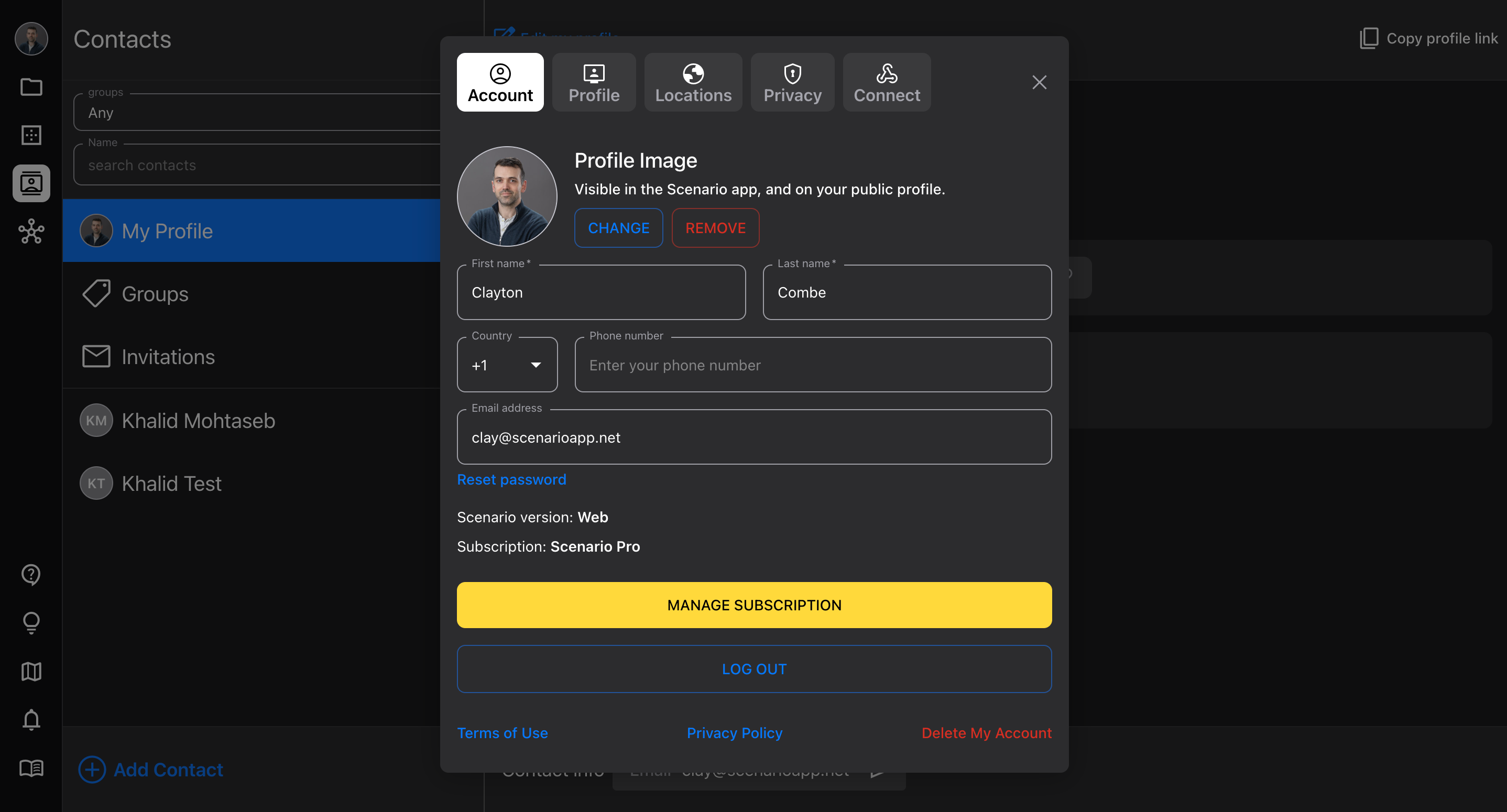
In Scenario account you filled out basic information like your name and email.
Add your profile image so you’re easily recognizable
Profile
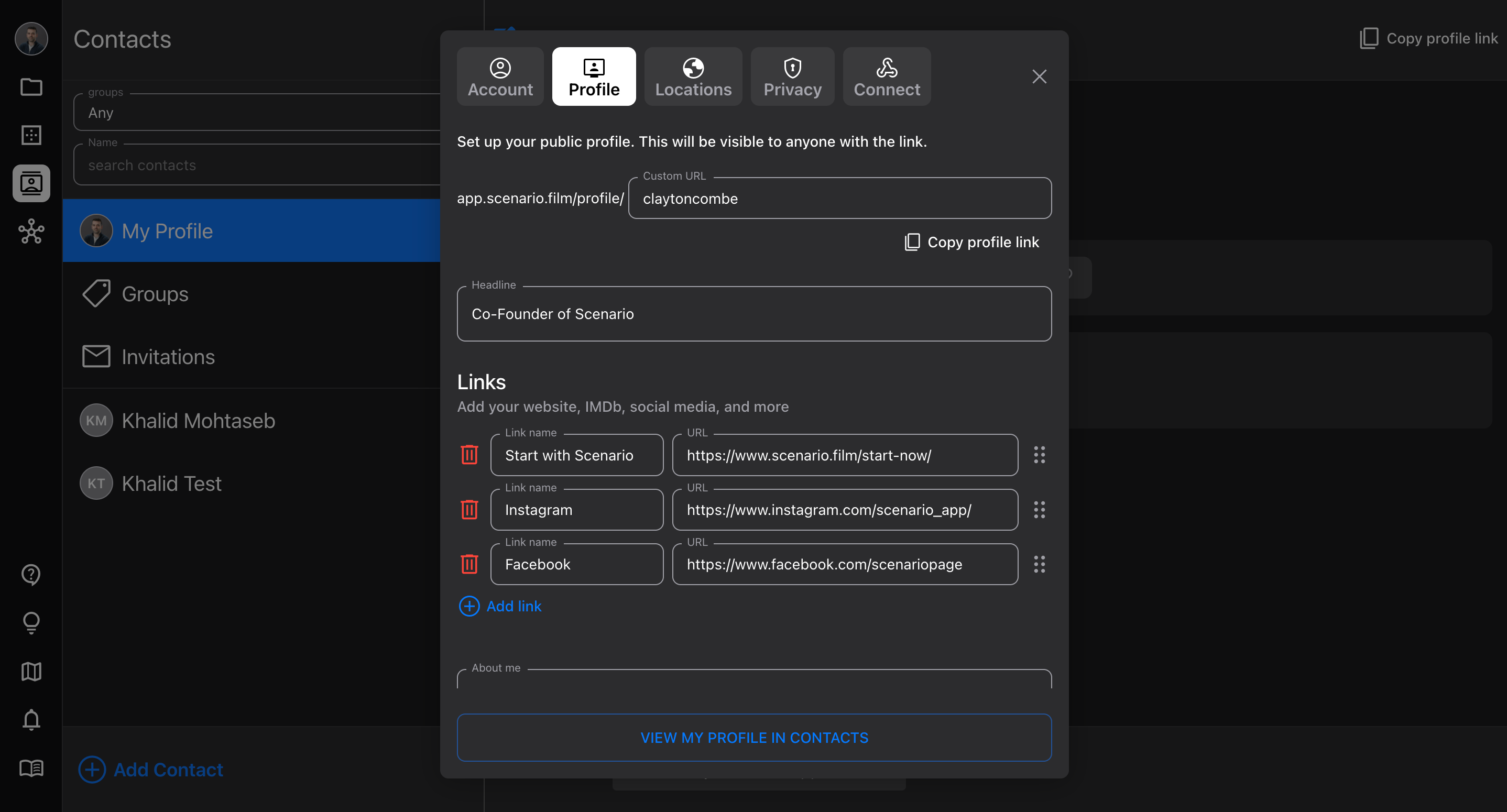
This is where you really “make it your own” by customizing your public profile. This is where you can send people who want to know more about your work, so it’s a great link to post in your other social profiles (Instagram, Facebook, etc).
Custom URL - by default, your public profile URL is just your user ID, but you can enter your own custom value.
These have to be unique, so set yours as soon as possible!
Headline - a shorter description of who you are and what you do
Links - add links to your most important other sites (your personal website, Instagram, IMDb, and anything else)
Free Demo accounts get 3 links; Starter and Pro accounts get up to 20
About me - a longer description of you
Media - add images, videos, or URLs to link to them
YouTube video links are supported
Locations
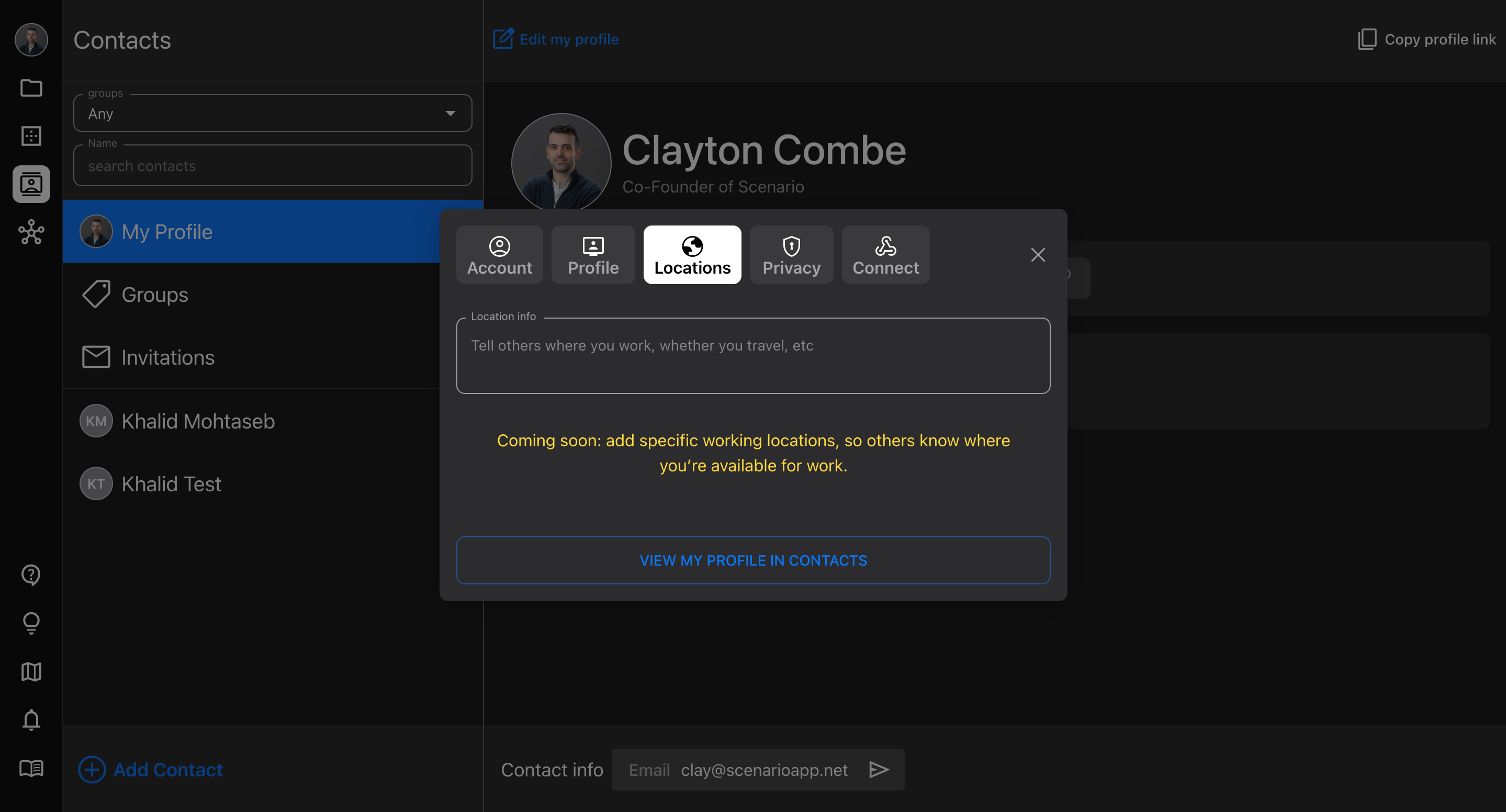
Locations is currently a very simple feature, which allows you do describe where you work. This can be anything you want: as simple as “Based in New York,” or a full list of places you work frequently.
Location info is searchable in Network, so describe anything you’d want people to know if they’re looking for crew
In the future, we’ll expand this functionality into listing more specific locations
Privacy
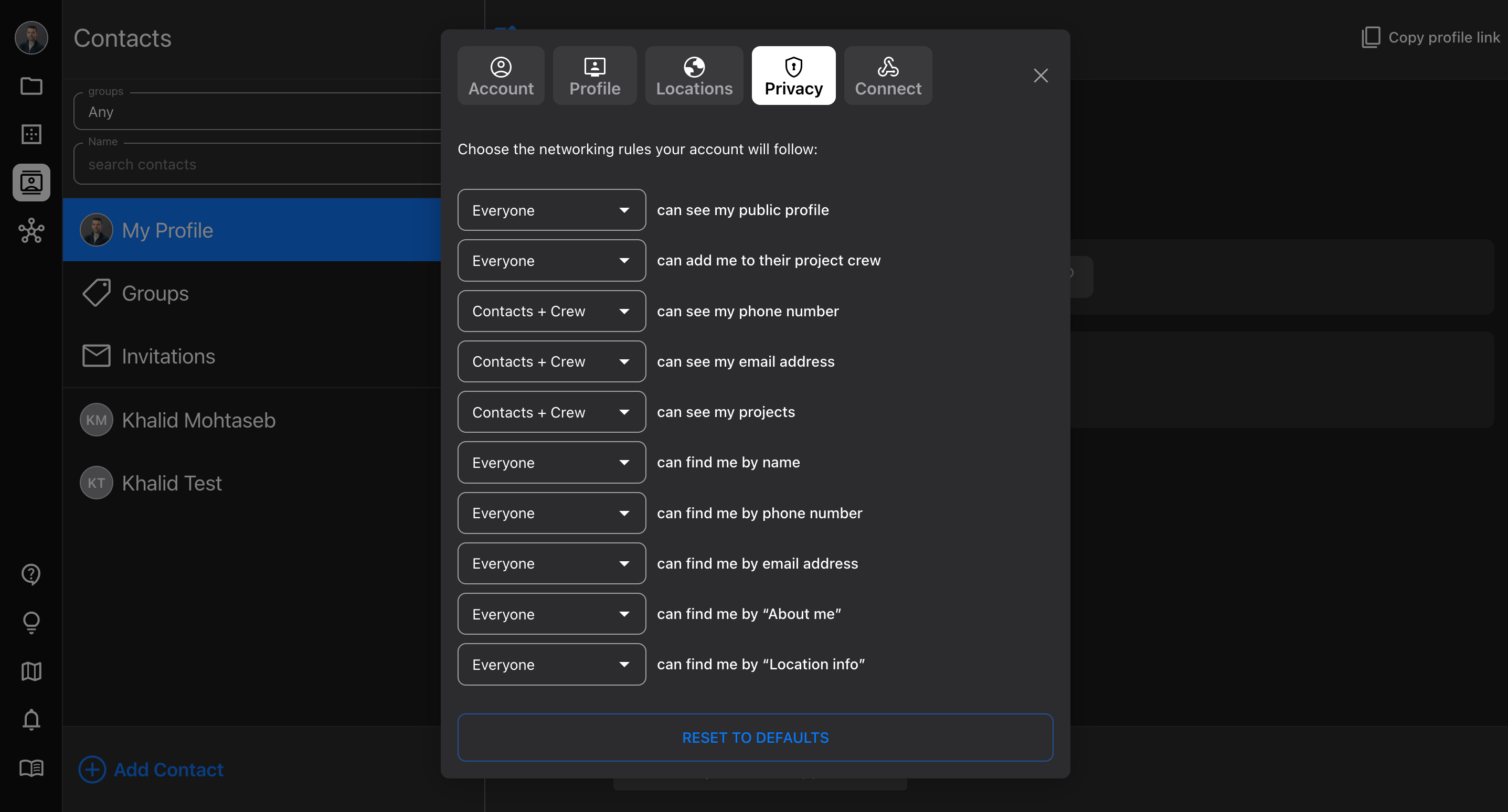
Protect your personal contact info, and configure who can find you by searching in Network, and add you to their Projects.
Default settings allow everyone to find you and add to Projects, but only contacts and crew can see your phone number and email address
Change these settings at any time
It won’t change which Projects you’re already added to, but will update search settings for the future
Keep in mind that your contacts probably want to be able to see your Projects and contact info, so they can reach out quickly!